01
Where are orders shipped from and how long does delivery take?
Most iKAGOO orders are dispatched from our fulfillment location in China after the product configuration and vehicle information have been checked.
Normal order processing is approximately 1–3 business days. Estimated delivery after dispatch is generally:
- USA & Canada: approximately 5–9 business days
- European Union: approximately 7–15 business days
- UK & Australia: approximately 7–10 business days
- Other supported regions: approximately 7–20 business days
Customs clearance, holidays, weather, carrier delays and remote-area delivery may affect these estimates.
02
Are import duties and taxes included?
Choose DDP Shipping at checkout: iKAGOO covers applicable import duties and taxes included in the selected DDP service. No additional payment of those covered charges is due on delivery.
Standard Shipping: Import duties, VAT and customs fees are not included and may be collected separately.
DDP Destinations — Subject to Checkout Availability
USA: 48 contiguous states.
European Union (27): Austria, Belgium, Bulgaria, Croatia, Cyprus, Czechia, Denmark, Estonia, Finland, France, Germany, Greece, Hungary, Ireland, Italy, Latvia, Lithuania, Luxembourg, Malta, Netherlands, Poland, Portugal, Romania, Slovakia, Slovenia, Spain, Sweden.
Additional destinations (14): Canada, United Kingdom, Australia, United Arab Emirates, Singapore, Malaysia, Thailand, Vietnam, Indonesia, Philippines, Brunei, Myanmar, Cambodia, Laos.
Available shipping methods and costs are shown after entering your delivery address. Remote-area fees may apply.
DDP Shipping Guide →
03
Can I request express shipping and how do I track the parcel?
Express or expedited shipping may be available for selected products and destinations. Availability, carrier and any additional cost are confirmed before shipment.
Depending on the route and product type, iKAGOO may use DHL, FedEx, UPS, EMS, 4PX or another tracked logistics provider.
After dispatch, the tracking number or tracking link is normally sent to the email address used for the order. Tracking updates may take several business days to appear during international carrier transfers.
04
What is the return and refund policy?
Return eligibility depends on the reason for return, product condition, installation status, supporting evidence and whether the return has been approved by iKAGOO.
For an approved non-defective return, the product must normally remain unused, uninstalled, complete and suitable for resale. The customer is generally responsible for approved return shipping costs.
Original shipping, DDP, VAT, customs duties and other logistics costs are generally non-refundable unless required by law or otherwise confirmed by iKAGOO.
Do not send a product back before receiving an approved return address and return instructions from iKAGOO.
05
What if the product still cannot be installed after compatibility review?
Additional protection may apply when iKAGOO reviewed the vehicle compatibility, the customer supplied accurate vehicle information and reasonable installation and diagnostic steps have been completed.
If iKAGOO confirms that no reasonable technical solution is available and the issue is reported within 7 calendar days after delivery, the customer may be eligible for a refund of the product price without being required to return the product.
Original shipping, DDP, VAT, customs duties and other third-party charges are not included in this product-price refund.
06
What warranty is provided, and does opening the product cancel it?
Eligible products include a 12-month limited hardware warranty covering verified manufacturing defects and eligible hardware failures under normal use.
Depending on the verified issue, support may include remote diagnosis, configuration assistance, replacement parts, repair, replacement, partial refund or full refund.
Inspection or third-party examination does not automatically cancel the entire warranty. However, damage caused by unauthorized repair, incorrect modification, broken circuits, improper reassembly, incorrect wiring, impact, water ingress or misuse is not normally covered.
Contact iKAGOO before dismantling, modifying or repairing the product so the correct diagnostic procedure can be provided.
07
What if my order arrives damaged or has missing parts?
Contact iKAGOO within 7 calendar days after delivery and keep the original packaging, shipping label, accessories and product.
Please provide clear photos or video showing:
- The external shipping carton and shipping label
- Visible packaging damage
- The product and affected area
- All accessories and wiring received
After verification, iKAGOO may arrange a missing-part shipment, replacement, repair, refund or another reasonable solution.
08
What if I ordered the wrong version or need to change my order?
Contact iKAGOO as soon as possible and before installation. For address, vehicle configuration or product changes, contact us preferably within 12 hours after placing the order.
An exchange or return may be approved when an incorrectly selected product remains unused, uninstalled, complete and suitable for resale. Customers are normally responsible for relevant shipping costs and price differences.
Vehicle-specific products may enter procurement, programming, testing or configuration shortly after payment. Once preparation or shipment has started, cancellation may no longer be possible, or reasonable costs already incurred may be deducted.
09
What is included in the package?
Package contents vary by product, vehicle model, factory system and selected configuration.
Depending on the product, the package may include the main device, vehicle-specific wiring harnesses, CANBUS interface, adapters, USB cables, antennas, microphones, mounting hardware or other required installation accessories.
Refer to the relevant product photos, specifications and order confirmation for the exact contents of your order.
10
How do I contact iKAGOO for technical or after-sales support?
You can contact iKAGOO through the website contact form, WhatsApp or other available support channels. Typical response time is within 24 business hours.
For faster technical diagnosis, include your order number, vehicle model and year, relevant factory-system photos, product photos and a clear video showing the issue.
Contact iKAGOO Support →
11
Is payment secure and are installment options available?
Payments are processed through the secure payment methods displayed during checkout.
Available card, wallet and installment options may vary by country, currency, payment provider and customer eligibility.
Installment services, including options offered by PayPal or another payment provider, remain subject to that provider's regional availability and approval requirements.
This section is a simplified customer guide. The complete published policy pages, order confirmation and applicable consumer law take priority if any wording differs.





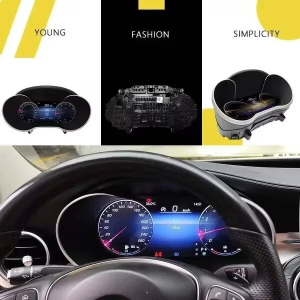
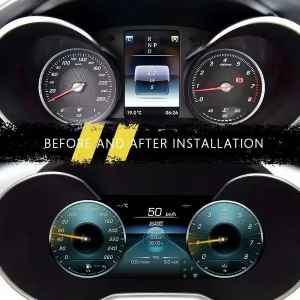
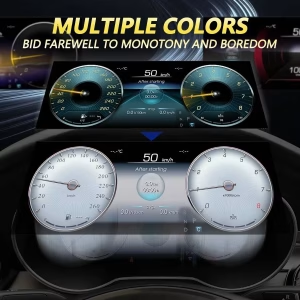





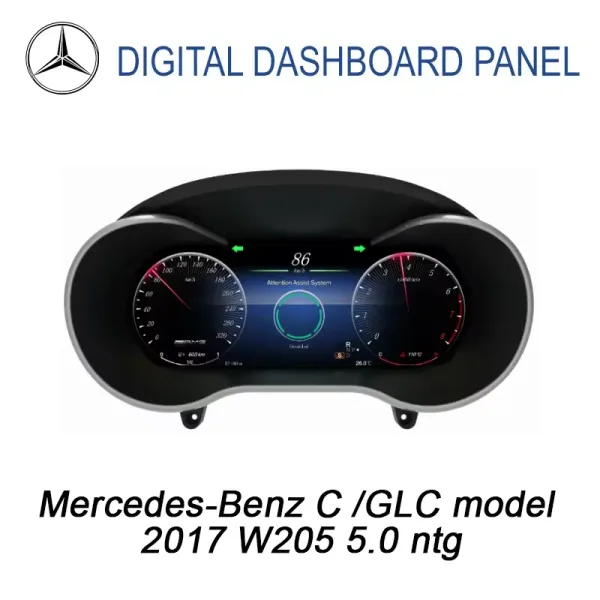
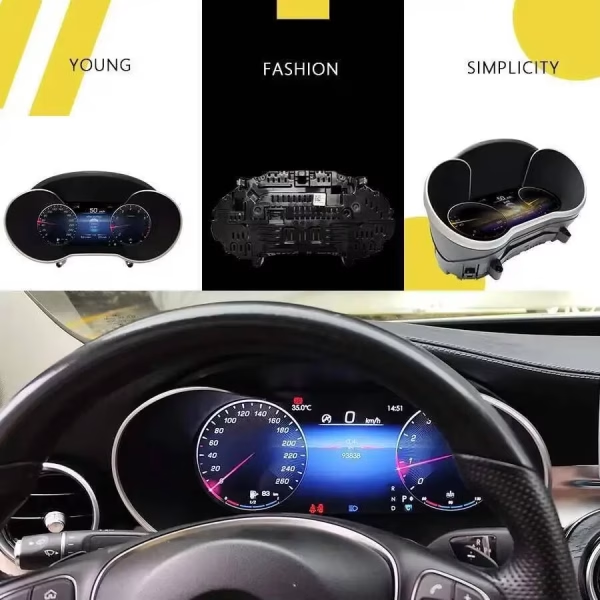
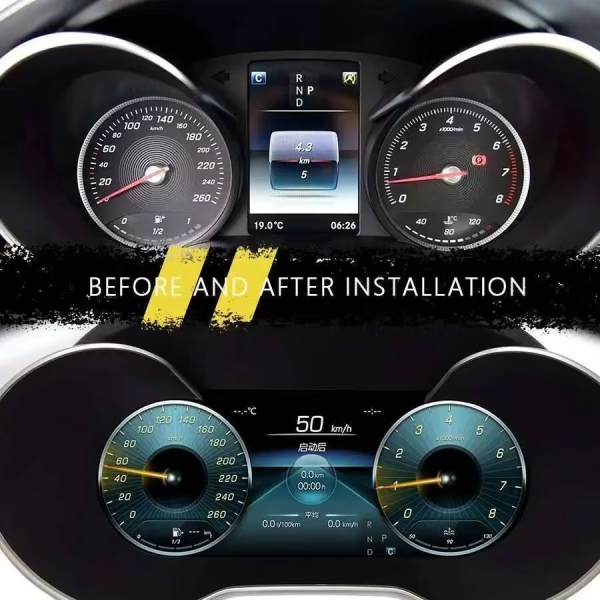
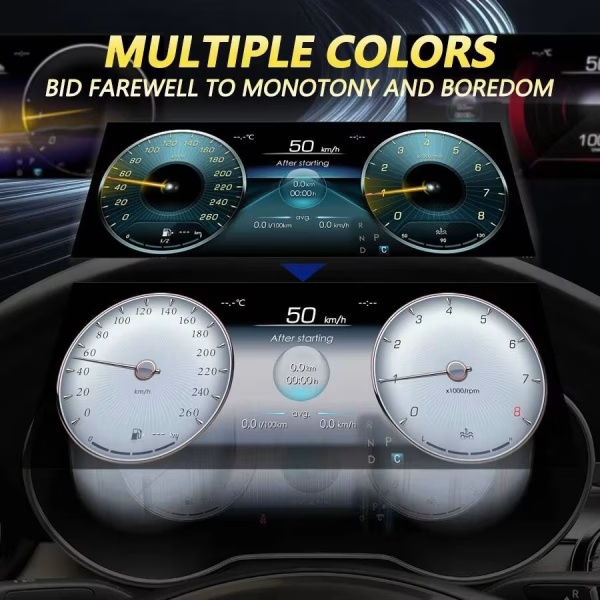








Felix Neumann –
Einbau am Samstag, etwa 50 Min. Musste den LVDS einmal drehen, dann perfekt. Lenkradtasten & Park-Pilot bleiben, CarPlay startet schnell.